What is exactly Dom and Dom manipulation in a snap

In this article, we will go through the dom and dom manipulation.
what is exactly dom?
DOM (document object model ) is basically a programming API for HTML and XML documents, with dom you can specify how your document should be structured. with dom, we can easily manipulate the elements of our document.
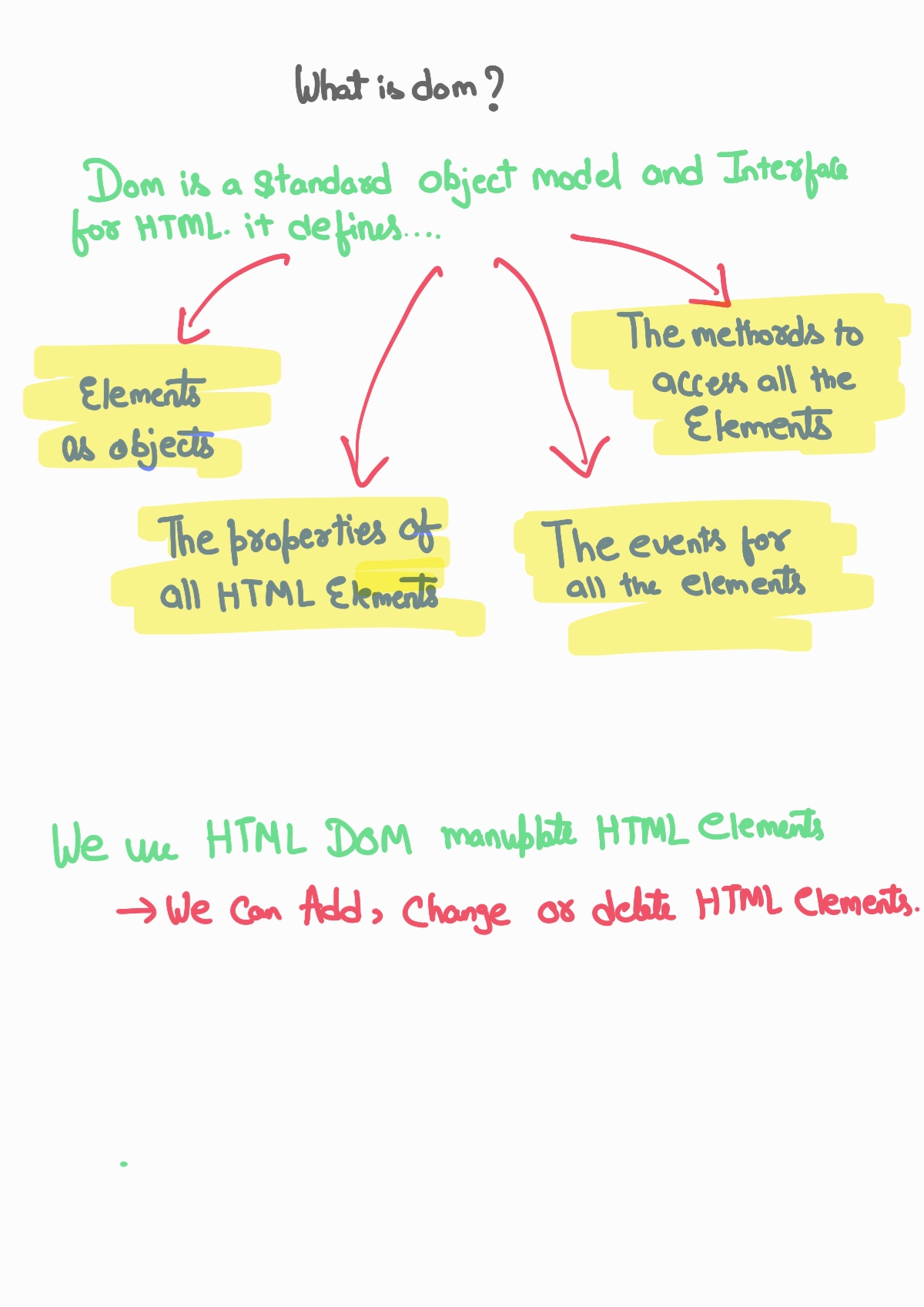
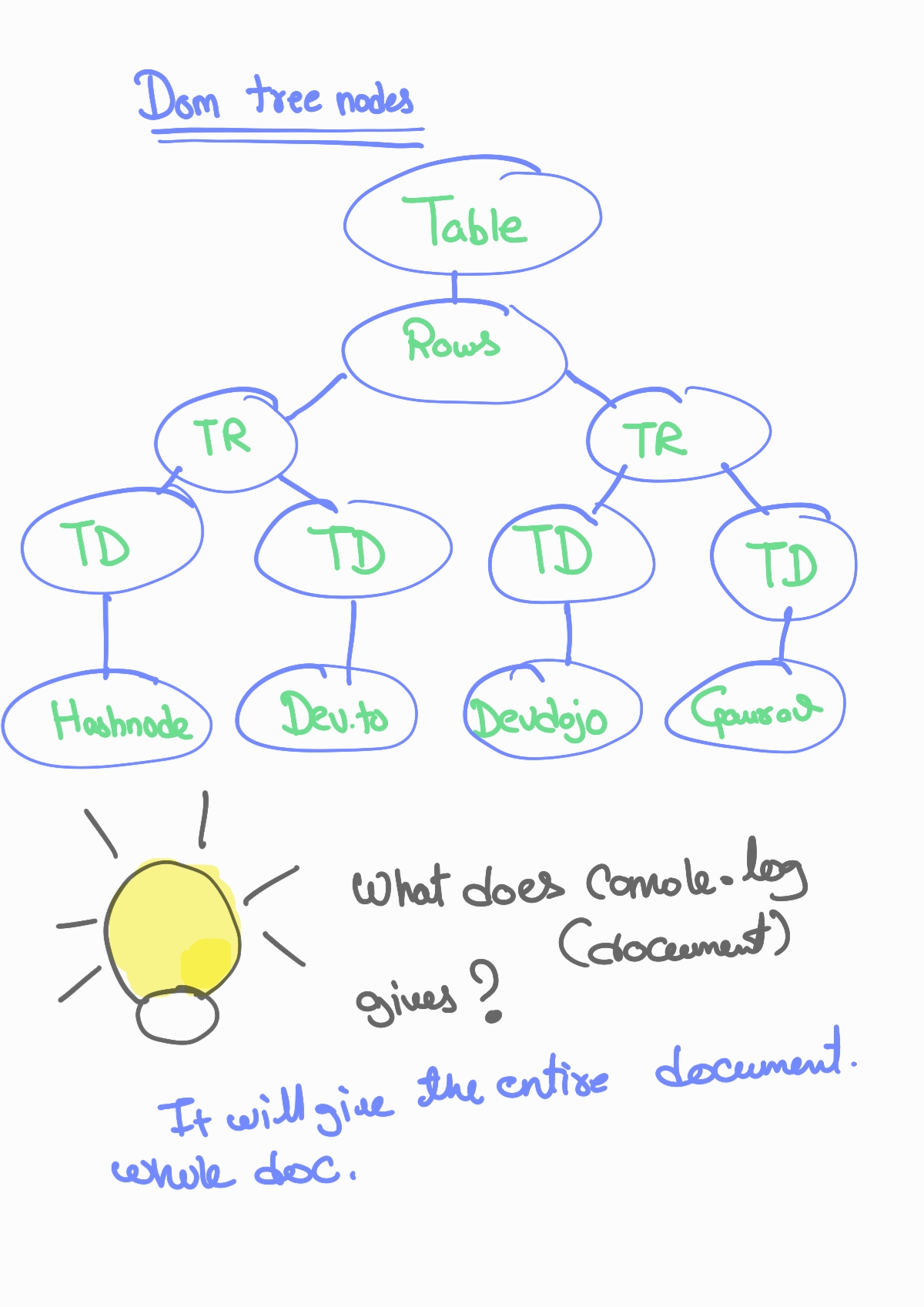
According to the dom model, every element is an object, and even the nested tags are the objects and chile of the enclosing one. HTML dome basically looks like a tree. it is also called a tree.
try is yourself
open the console of your browser right now. press ctrl + shift + j enter this in the console of your browser.
console.log(document);
what do you get? you will get the entire HTML document returned. here the document object represents the entire web page.
if we want to access any element in the web page we need to start accessing that with the help of the document object.
for example, if you want to get the domain of the page ... just type
console.log(document.domain)
How can I manipulate dom?
well, there are many many ways to do that... you can use query selectors, getElement by class, or id
 document.querySelector(".myclass");
var x = document.querySelectorAll(".myclasses");

// if I want to change the background...
x.style.backgroundColor = "dark" ;
this is how you can easily manipulate dom.
wrap up
This is just a beginner article of my javascript series. where I would be sharing everything I am learning to prepare for interviews. positive or negative please leave your feedback.
you can connect with me on Twitter
you can support me on. buymeacoffe
Comments
Join the discussionNo comments yet. Be the first to comment.